


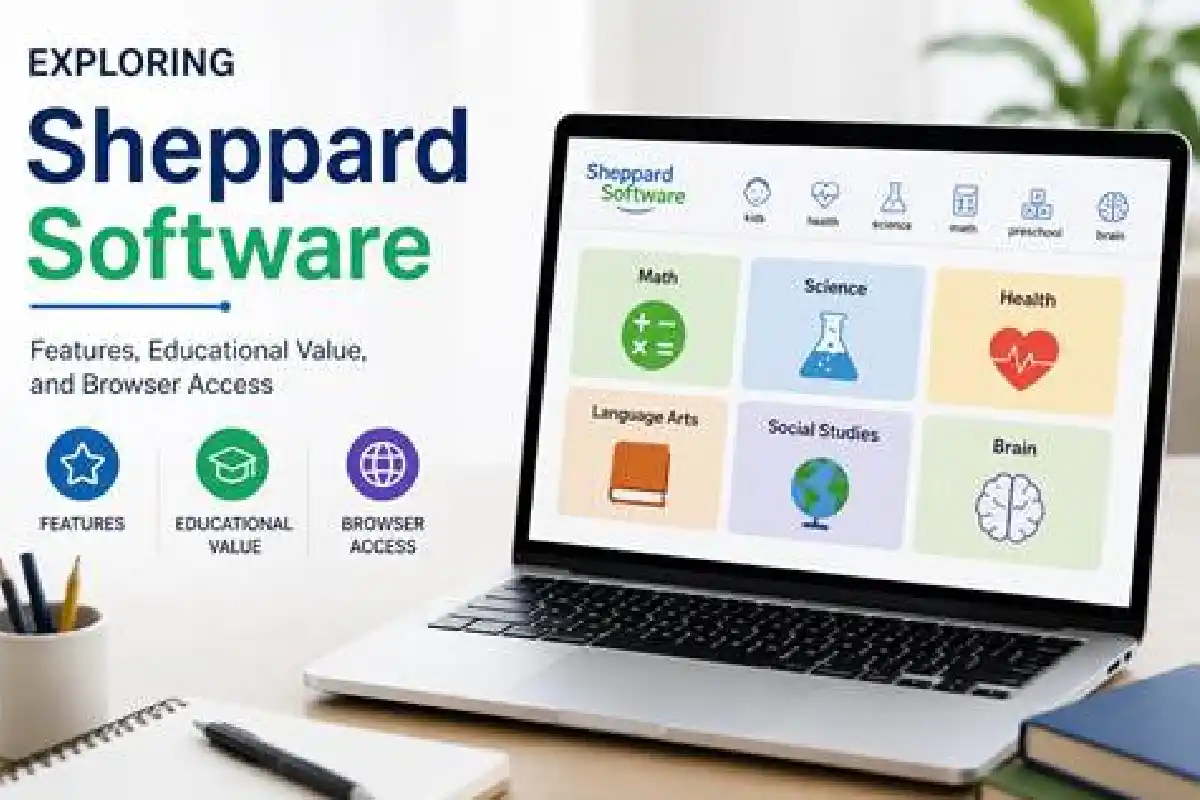
Introduction to Educational Web Platforms
Tracking down genuinely engaging digital tools for students can easily turn into an uphill battle for busy parents and teachers alike. Finding platforms that manage to successfully marry genuine academic value with actual entertainment is a constant pursuit. That is where a long-standing web destination like sheppardsoftware com naturally enters the conversation, having earned a solid reputation over the years for hosting a diverse array of interactive learning games spanning geography, mathematics, science, and vocabulary.
This review takes a closer look at what the site actually delivers, how its various modules are organized, and the practical technical details you ought to keep in mind before bringing it into a modern classroom or living room study space. Grabbing a firm grasp of these features makes it far easier to figure out how best to weave these digital resources into everyday learning habits.
Overview of Sheppard Software
As a free, web-based study aid, the platform has quietly supported students and educators for well over a decade. Its foundational teaching philosophy leans heavily on gamification—transforming monotonous drills into colorful visual puzzles and fast-paced timed challenges. When visitors first land on sheppardsoftware com, they are greeted by a distinctly text-heavy directory layout that strongly echoes early internet design principles, putting a premium on getting straight to specific games rather than chasing modern visual minimalism.
Even though the aesthetic styling feels a bit dated by today’s standards, the core educational content remains remarkably relevant for primary and middle school syllabi. The site tackles fundamental topics using everything from digital flashcards and matching exercises to rapid-fire map quizzes that give instant feedback on every click.
Core Subjects and Interactive Learning Tools
The platform divides its vast library into clear-cut subject hubs, each designed to scale from absolute beginner recognition exercises up to advanced timed challenges. The table below outlines the primary subject categories currently hosted on the platform:
| Subject Area | Typical Topics Covered | Target Audience |
|---|---|---|
| Geography | Continents, countries, US states, capitals, flags | Primary and Secondary students |
| Mathematics | Basic arithmetic, fractions, decimals, time, money | Primary students |
| Science | Animals, plant cells, food chains, elements | Elementary and middle school |
| Language Arts | Vocabulary, grammar, spelling, punctuation | Primary students |
Geography Modules
Without a doubt, geography stands out as the most widely recognized and celebrated component of the entire site. Users get access to detailed interactive outline maps covering the United States, Europe, Asia, and various other global regions. These exercises typically feature a dedicated ‘learn mode’ where clicking a specific territory reveals its name, seamlessly transitioning into a ‘game mode’ that asks learners to drag and drop the correct region back onto the map based entirely on audio cues or written prompts.
Science and Nature Games
Moving over to the science section, visitors will find detailed diagrams of biological structures—such as intricate plant and animal cells—alongside ecology games centered on complex food webs and environmental biomes. These hands-on activities do a wonderful job of bridging the gap between flat textbook diagrams and active, participatory identification tasks.
Technical Requirements and Browser Compatibility
Any digital educational tool needs to be judged thoroughly on its technical reliability. Historically, countless learning websites relied heavily on Adobe Flash to power their animations and interactive features. Following the official retirement of Flash, many older web platforms had to undergo massive technical overhauls to transition smoothly to HTML5.
When loading up sheppardsoftware com on your devices, keep these technical pointers in mind:
- Browser Support: Mainstream web browsers like Google Chrome, Mozilla Firefox, Microsoft Edge, and Apple Safari generally render the HTML5 content smoothly without extra plugins.
- Mobile Accessibility: Because these games were originally built with desktop users in mind, certain older modules might not scale properly on smaller smartphone screens or compact tablets.
- Ad-Supported Model: The platform relies on standard display advertisements to keep its content completely free for visitors, meaning strict school network filters or browser ad-blockers can occasionally alter the page layout or hide specific items.
Decision Framework for Selecting Educational Web Tools
To help teachers and parents figure out whether these web-based games deserve a spot in the daily schedule, run through this practical, step-by-step checklist:
-
- Curriculum Alignment: Double-check that the game directly reinforces the specific academic standards or learning goals the student needs to master.
- Technical Check: Test out the site on your chosen device and browser ahead of time to guarantee seamless gameplay free of annoying loading delays.
- Distraction Assessment: Take note of any surrounding advertisements or outbound links, especially if younger children are going to be working completely independently.
- Engagement vs. Depth: Make sure the game actually builds genuine conceptual understanding rather than just encouraging mindless repetition.
Frequently Asked Questions
Is a subscription required to use sheppardsoftware com?
No, all the core games housed on the site are completely free to play directly through a standard web browser, meaning you never have to worry about paid subscriptions or creating user accounts.
Are mobile apps available for download?
The service is built primarily as a web-based platform meant for desktop and laptop browsers. If you spot third-party mobile apps in app stores carrying similar names, you should verify their official origin carefully before downloading them.
How does the site handle user privacy?
Because the platform doesn’t ask visitors to sign up or log in for regular gameplay, it gathers very little personal information from students. That said, standard web analytics and advertising partners may still use cookies in accordance with the site’s privacy guidelines.
Conclusion
Websites like sheppardsoftware com provide a refreshingly straightforward, no-nonsense way to reinforce essential academic subjects using interactive digital play. Even though the visual interface harks back to an earlier era of the internet, the actual educational substance packed into its geography, math, and science modules remains a fantastic supplementary tool for both modern classrooms and home study sessions. Always take a quick moment to verify your device compatibility and network settings to ensure a smooth, productive learning experience.
Related Guides
Explore more useful resources related to this topic: