


Your phone rings. Unknown number. You hesitate, then answer because it might be something important. A confident voice claims to represent your bank and says there’s a problem with your account. They know your name, sound professional, and seem remarkably well-informed.
Then comes the request: “Could you confirm the security code we just sent you?” Hold on. Since when does your bank need you to read a secret code to a stranger who called you?
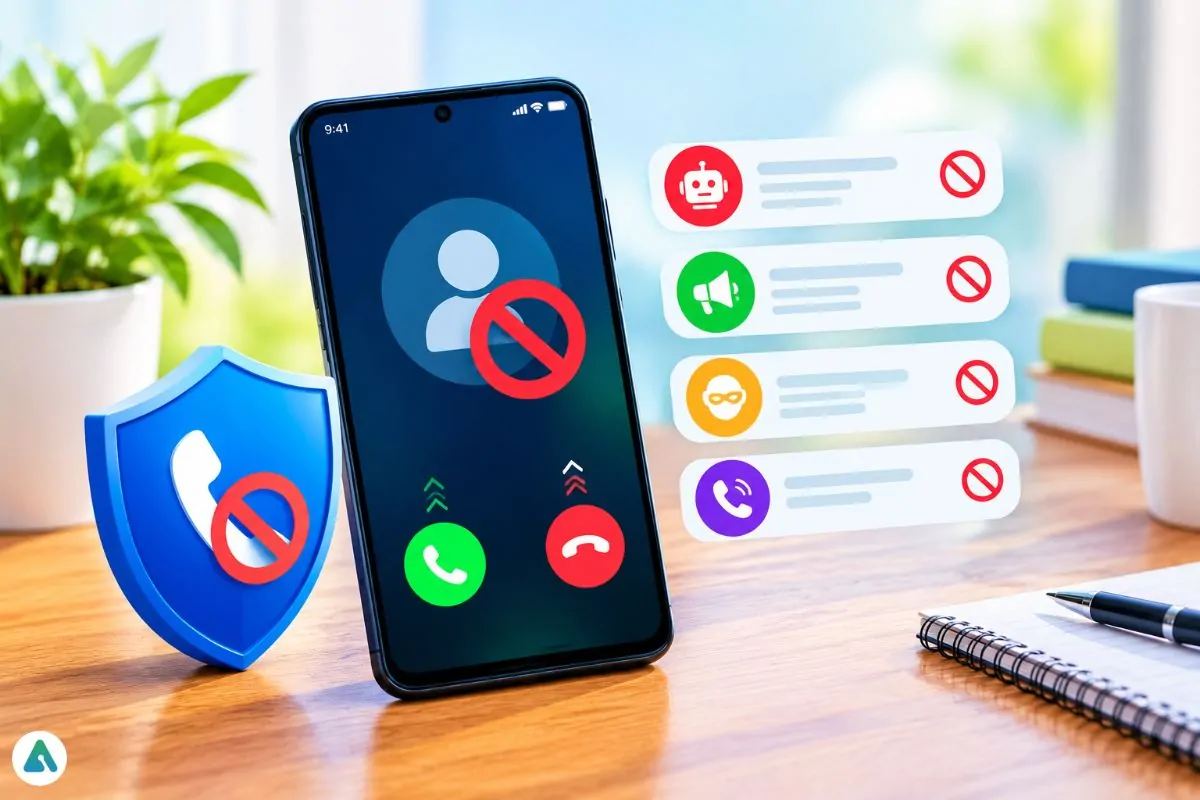
That’s how convincing phone scams can be. Fraudsters will try to trick you into trusting them, create a sense of urgency, and ask you to do something that seems suspicious. Using a call blocker application can help you avoid unwanted calls by filtering out suspicious numbers and reported spam.
The Scam Often Begins With a Familiar-Sounding Voice
Forget the cartoon version of a scammer who can barely deliver a convincing sales pitch. Modern phone fraud can sound polished, professional, and surprisingly ordinary.
The call could be from someone pretending to be from your bank, insurance provider, delivery provider, or government organisation. You will be told that you have missed payments, there is a problem with your account, or there is a parcel requiring confirmation.
The aim of the scammer is to get you to act quickly without thinking. Caller ID can also cause confusion. Some scammers will try to make the number shown on your phone look like it is linked to organisations you know or local area codes. A recognizable number, however, doesn’t prove who’s calling.
That doesn’t mean every unknown caller is dangerous. It does mean answering blindly isn’t always the smartest move.
Give Suspicious Numbers a Harder Time Getting Through
A reliable call blocker application adds another layer of screening between your phone and unwanted callers. Depending on the app, it may identify numbers reported as spam, display warnings about suspicious calls, or automatically block certain contacts. The useful features are fairly straightforward.
Community-Based Spam Detection
Some apps use shared databases of phone numbers reported by other users. When a number has been flagged repeatedly, the application may identify it as suspicious when it calls someone else. Updated databases help keep pace with numbers that regularly appear in spam campaigns.
Automatic Call Filtering
Nobody wants to spend half the day rejecting unwanted calls. Automatic filtering lets users establish rules for handling suspicious numbers. Depending on the available settings, calls can be blocked, muted or diverted to voicemail.
Caller Identification and Call History
Not everyone is deserving of being put onto a block list just because they have an unknown number. This feature lets you know who your caller is, and will make it easier for you to pick out any repeated calls.
Custom Blocking Lists
Some people just won’t take hints. This feature allows you to manually block certain numbers to help avoid being disrupted by certain people.
Prevention Beats Cleaning Up a Mess
People often think about call protection after a suspicious conversation, an attempted scam, or an afternoon ruined by relentless spam. Fair enough. But waiting until something goes wrong isn’t much of a strategy. You can install a call blocker application that will help to identify or block numbers related to spam. This can help prevent you from being caught up in a fraudulent conversation.
However, there are some issues. There is no app that can stop you from falling victim to scams. Scammers can change their number, spoof their caller ID, and develop new methods quicker than any database can provide full coverage.
Use call filtering as one part of a broader security routine. Keep your judgment switched on, even when the technology is doing some of the work.
Don’t Trade Your Privacy for a Quieter Phone
Before you install a call-blocking app, take a look at the app’s permissions and privacy policy. Some apps will ask for permission to access your contact list and/or call information.
Check if:
- It is compatible with your smartphone, and the operating system that you are using
- It can detect any reported spam numbers, and block nuisance calls
- You can personalise the call rules, and manage your own block list
- The provider has provided information on how your personal data will be collected, stored, and shared
- There are no costs for essential features
A little comparison now can save you from installing an app that creates more questions than it answers.
Make Your Smartphone a Tougher Target
Technology helps, but a few simple habits can make a real difference. Never share passwords, banking details, or one-time verification codes with someone who contacts you unexpectedly. If a caller claims to represent your bank or another organization, hang up and use an official phone number or website to verify the situation.
You can also activate your phone’s built-in spam protection and check whether your mobile carrier offers additional screening services.
A call blocker application won’t make you invisible to scammers, and it shouldn’t promise to. What it can do is reduce unwanted interruptions, flag suspicious numbers, and give you more control over incoming calls. Your phone is supposed to connect you with people you want to hear from. It shouldn’t give every stranger a direct line to your attention, your personal information, or your wallet.