


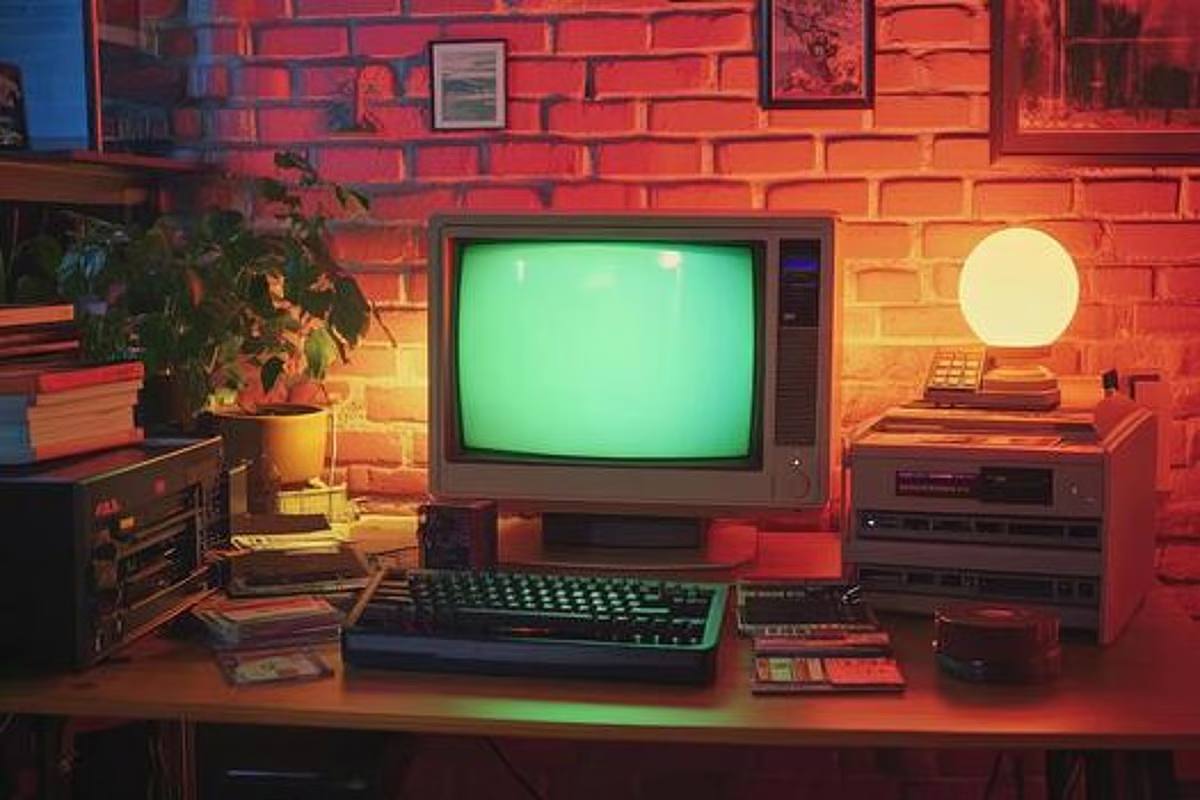
Finding a vintage computer for sale can be exciting, particularly when it is a model you have been searching for over a long period. From early home computers to classic desktop systems, surviving examples are increasingly attractive to collectors, technology enthusiasts, and people hoping to revisit the machines they grew up using.
Buying from a private seller, however, requires a little more preparation than ordering modern hardware from a retailer. Once you have found the right machine and agreed on a price, there are several important steps to take before it reaches your collection.
Confirm Exactly What You Are Buying
Start by asking the seller for detailed photographs of the computer, including the front, rear, ports, labels and any visible damage. If a monitor, keyboard, mouse, cables, manuals or software are included, confirm these items individually. You should also establish whether the computer has been tested recently. A machine described as “working” could have been switched on yesterday or several years ago, so ask for specifics. Where practical, requesting a photograph or short video showing the system operating can provide additional reassurance.
Discuss Packing Before Collection
Vintage computers were not designed with modern parcel networks in mind. Aging plastics can become brittle, while hard drives and other internal components may be vulnerable to impacts. Therefore, you should make sure to ask the seller how the computer will be packed. Ideally, it should have generous protective material around it and be placed inside a sturdy box. Heavy peripherals should be packed separately so they cannot move around and strike the computer during transportation.
If the seller does not have appropriate packing materials, factor this into your collection plans.
Arrange Suitable Transportation
A rare or bulky computer may be inconvenient to collect personally, especially if the seller lives hundreds of miles away. Rather than automatically relying on a conventional parcel service, consider transportation options suited to the size, weight and fragility of the equipment.
A service such as shiply.com can be useful when looking for transportation for unusual or difficult-to-move items. Before choosing any option, provide accurate dimensions, collection and delivery details, and explain that the equipment is vintage computer hardware requiring careful handling.
Document the Computer’s Condition
Keep copies of the seller’s photographs and take your own pictures as soon as the computer arrives. This creates a useful record of its condition at the point of purchase and after transportation. Do not immediately dispose of packaging either. First inspect the case, monitor, and accessories for signs of damage. If anything appears to have been affected during the journey, photographs of both the equipment and packaging may prove useful.
Be Cautious When Powering It Up
Resist the temptation to plug an unfamiliar vintage computer straight into the wall. Old electronic components can deteriorate even when a machine looks immaculate externally. For particularly old, rare, or valuable systems, consider having the hardware inspected by someone experienced with vintage electronics before applying power. This may identify aging capacitors, damaged power supplies, or other potential problems.
Give Your Purchase the Best Start
Buying a vintage computer privately can uncover machines that rarely appear through conventional retailers. The key is to approach the purchase as both a technology acquisition and a transportation challenge.
Confirming the condition, arranging appropriate packing, choosing suitable transportation, and checking the machine carefully on arrival can help protect your purchase. Once those practical details are handled, you can concentrate on the far more enjoyable job of preserving, restoring, or simply using a fascinating piece of computing history.