


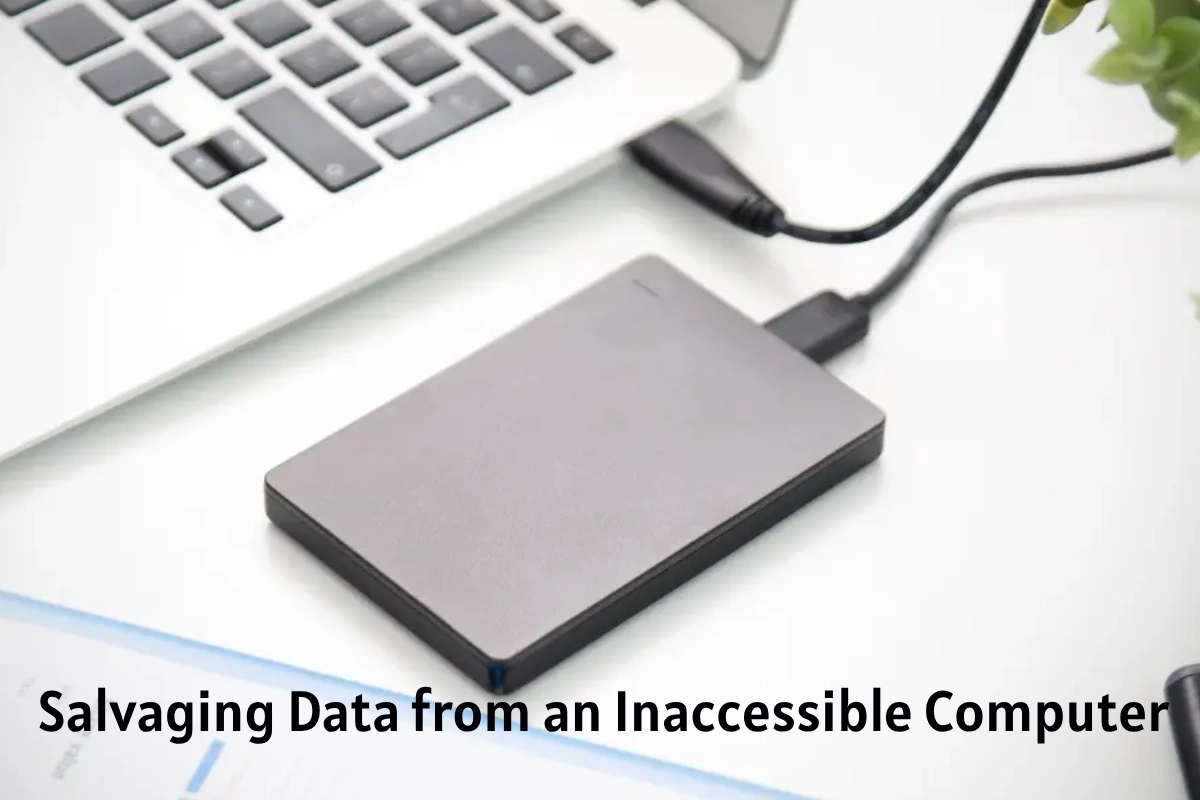
Salvaging Data From An Inaccessible Computer – Let’s say you have a computer that won’t boot. Maybe you’ve been informed by the Blue Screen of Death that you have a corrupt registry, or maybe you’re just dealing with a wonky hard drive. For whatever reason, the only thing on your mind is salvagedata.
It sounds like a simple task, but it’s actually quite difficult. Windows has mastered the art of hiding important files in obscure folders that most people don’t know how to get to. And God helps you if you ever lost your Windows installation disc; without it, you’re in for a world of hurt.
Today we’re going to explain to you how to get around all this nonsense with some handy tools and techniques that we developed over our years at the Geek Squad crime scene. You see, we spent countless hours trying different methods of salvaging data from inaccessible machines. These are some of the best ways we’ve found to recover your data if you can’t boot into Windows or if your hard drive has failed completely and needs to replace.
Most of us are not nearly as careful with our data as we should be. We use only one or two external hard drives for backup—or even none at all. Our computers aren’t protected by UPSes (uninterruptible power supplies) that guard against power surges, and we don’t have separate surge protectors that keep our computers safe from lightning strikes.
The upshot is that many of us will experience a complete loss of data at some point in our lives. When that happens, it’s important to know exactly what you can do to get your data back.
Guide To Salvaging Data From An Inaccessible Computer
The scenario is familiar: You turn on your computer and boot it up only to find that the operating system won’t start correctly. You get an error message or Windows just freezes, and you’re prompte to either start the computer in Safe Mode, Start Windows Normally or Start Windows With The Last Known Good Configuration. None of these options work; all attempts lead to a never-ending loop, forcing you to restart the computer over and over again. You can’t even obtain into the BIOS setup screen, which means you can’t boot from a DVD or USB flash drive (even if the optical or hard drive is dead). In other words, you’re royally screwed.
This is the last resort. Hard drives are fragile and their time-to-failure rate increases with age. If you have significant data on your hard drive, it’s a good idea to make periodic backups of that data to external storage media. This way you can salvage your data even if your hard drive dies completely.
However, sometimes hard drive failure is not complete. Your hard drive may have bad sectors which means it will take much longer for the operating system to read data from those sectors. This could cause your operating system to appear unresponsive at times or even hang altogether. In such cases, you can try to use one of the following free tools to copy any important files from your hard drive before it becomes completely inaccessible.
Guide To Salvaging Data
If you’re on the bleeding edge of technology, you might come across a computer that won’t boot up. Whether it’s a conventional drive or an SSD, there are several ways to salvage your data. Here are some options:
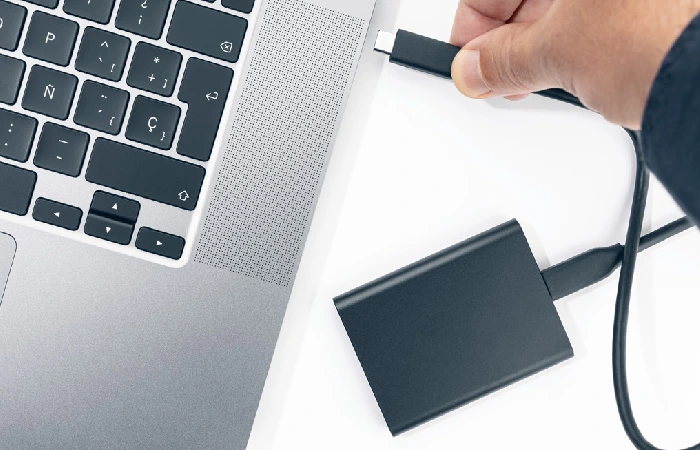
- Remove the drive from the dead computer and connect it to another computer using a USB adapter. You can then transfer files between the two machines.
- Boot the computer using another operating system (on a CD or USB flash drive) and copy data off of the hard drive to an external storage device.
- If you have a second hard drive in the computer, you can mount it inside Windows or Linux, enabling you to access data on both drives from within Windows or Linux.
Look, this is a problem we’ve all encountered. It’s not fun, but it’s not the end of the world. You strength get lucky and be able to get the data from your hard drive with a simple fix. If not, you could send it off to a professional who can take care of it for you—but that’ll cost some time and money.